Launchd Task Scheduler
A visual interface for macOS automation. Create, edit, load, and manage launchd jobs without touching the terminal.

launchd is powerful. Its XML isn’t.
macOS uses launchd as its native service manager—far more capable than cron, deeply integrated with the OS, and essential for reliable automation. The catch: configuring it usually means hand-editing verbose XML property lists and debugging them in Terminal.
Launchd Task Scheduler 3.0 gives you a clean, native Mac interface on top of launchd. Build jobs visually, set triggers with confidence, and generate correctly formatted plists every time—backed by practical hover help with examples based on Apple’s launchd.plist documentation.
What you can do (v3.0)
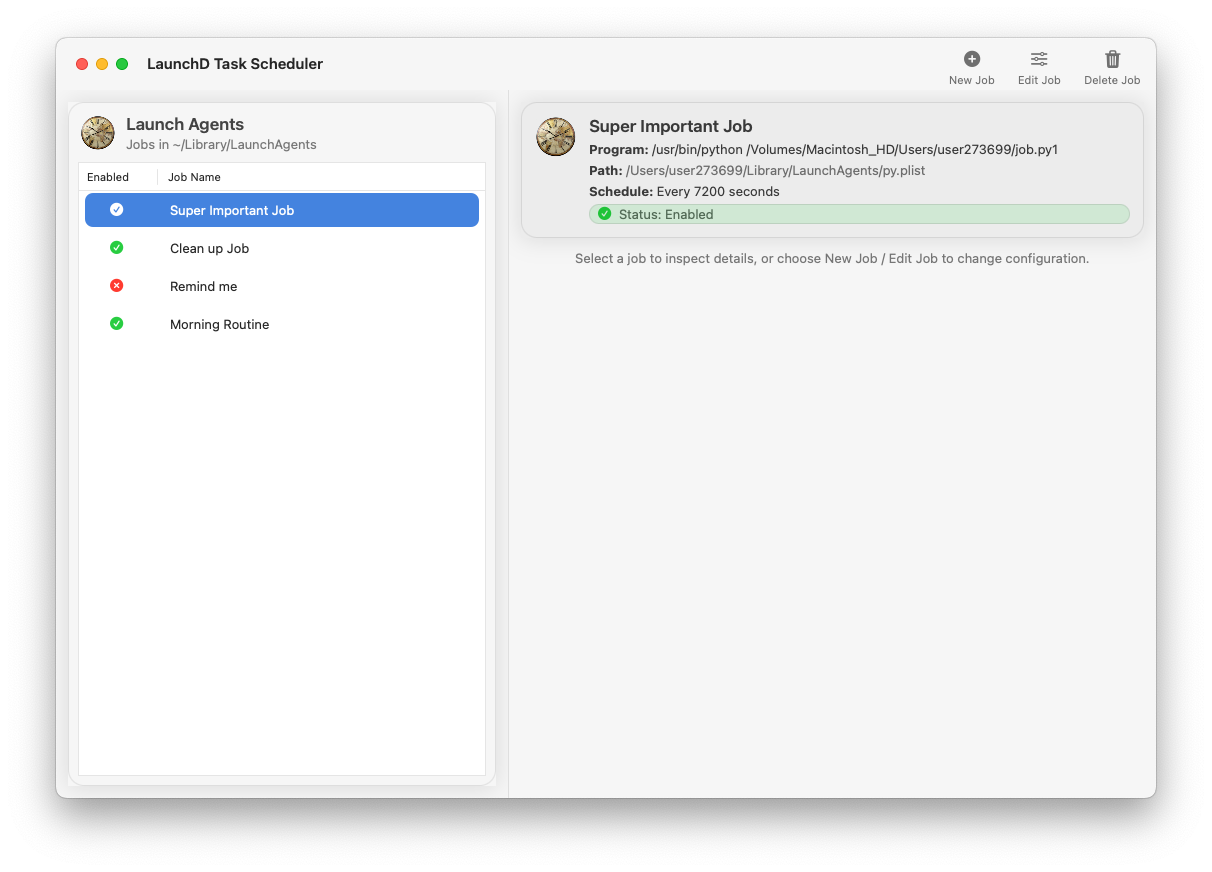
🧭 Browse jobsView LaunchAgents and LaunchDaemons, filter/search, and inspect configuration quickly.
⚡ One‑click controlLoad, unload, start, and stop jobs without switching to Terminal.
📅 SchedulingIntervals, calendar schedules, and login triggers—simple when you want it, powerful when you need it.
🔄 ReliabilityKeepAlive, throttling, and restart behavior for dependable background tasks.
🧾 Pretty‑printed plistsGenerated and amended plists are nicely formatted for readability and version control.
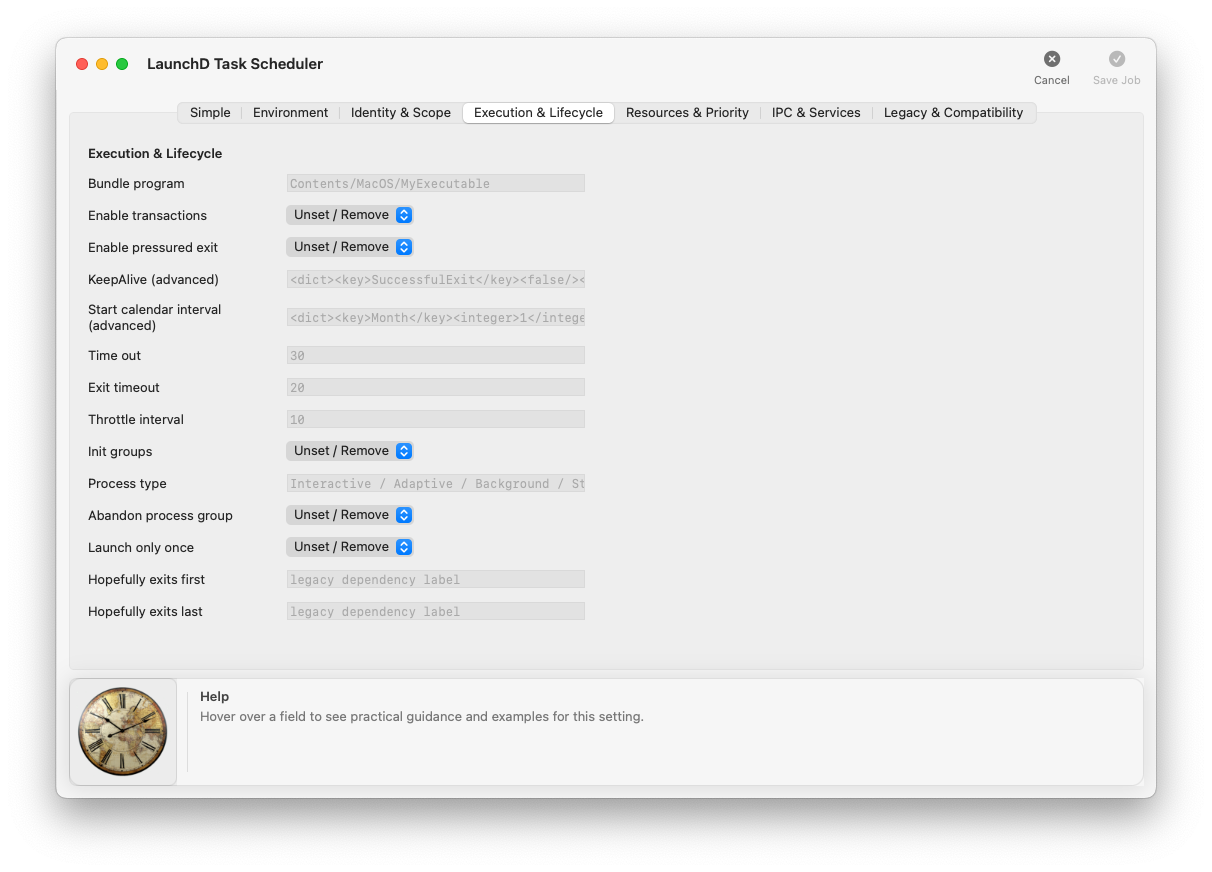
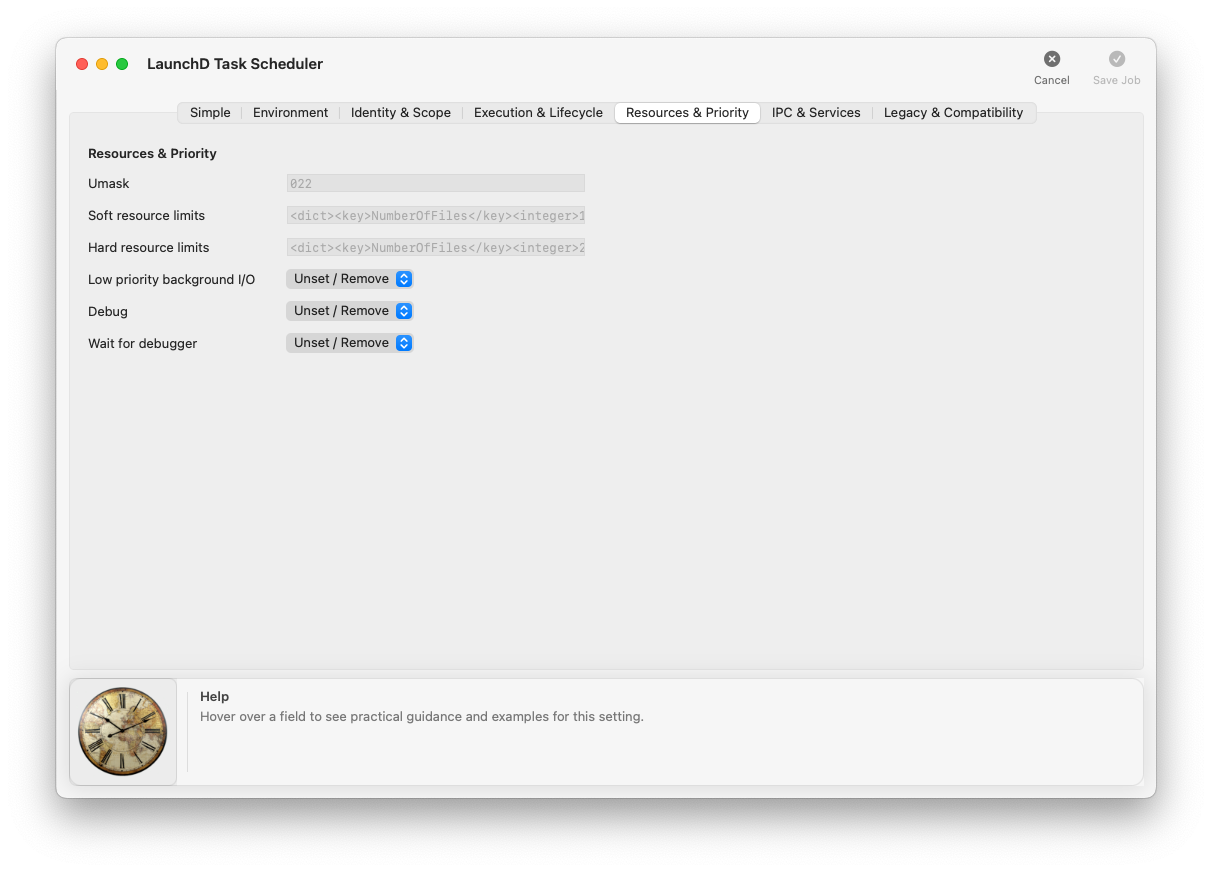
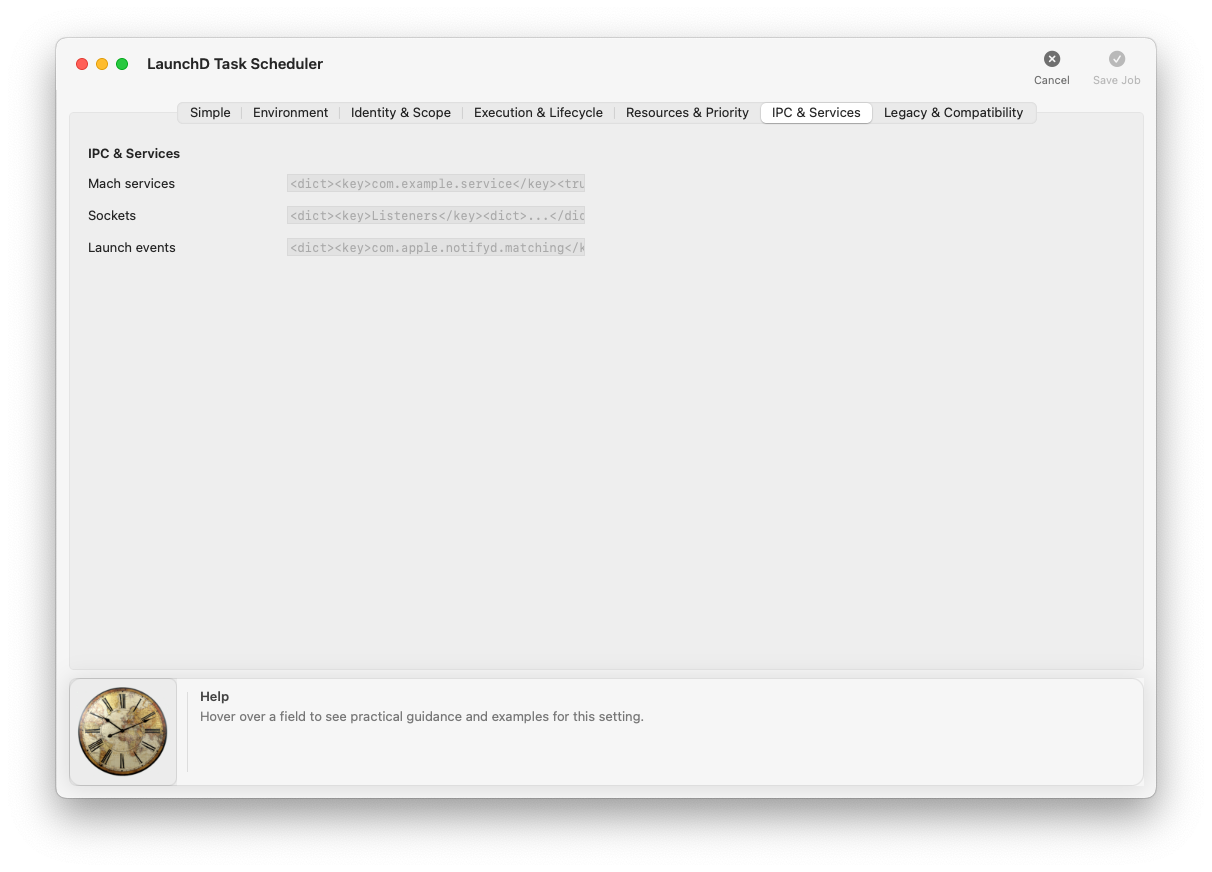
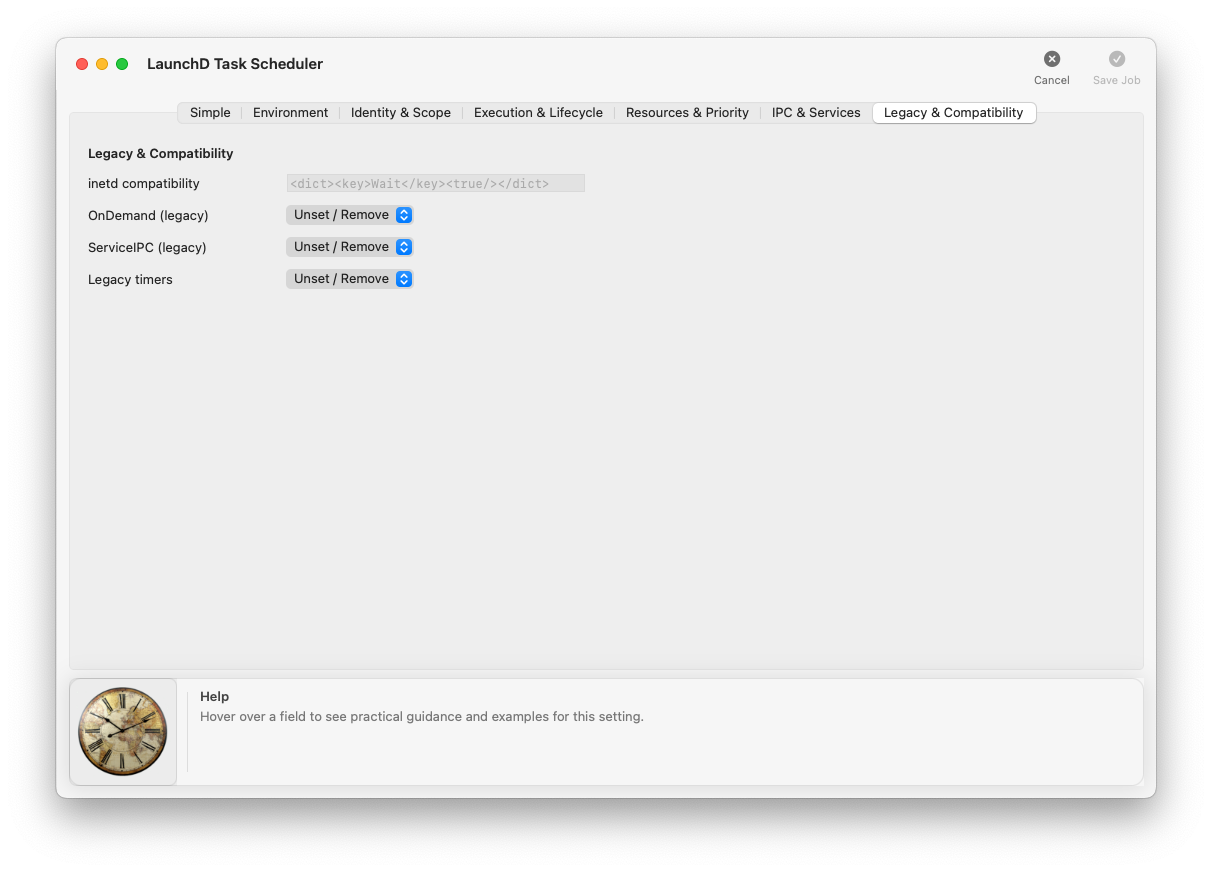
🧠 Help with examplesHover guidance explains what to enter in each field, with example values you can copy and adapt.
📝 Full plist editorWhen you need low-level control, edit the underlying job definition directly.
🧩 Simplified modeA streamlined view that hides advanced options until you need them.
No subscriptions. One purchase gives you the full app with every feature. Updates included.
How it works
Browse existing jobsSee what’s installed and running. Inspect the job label, program path, schedule, and enabled state at a glance.
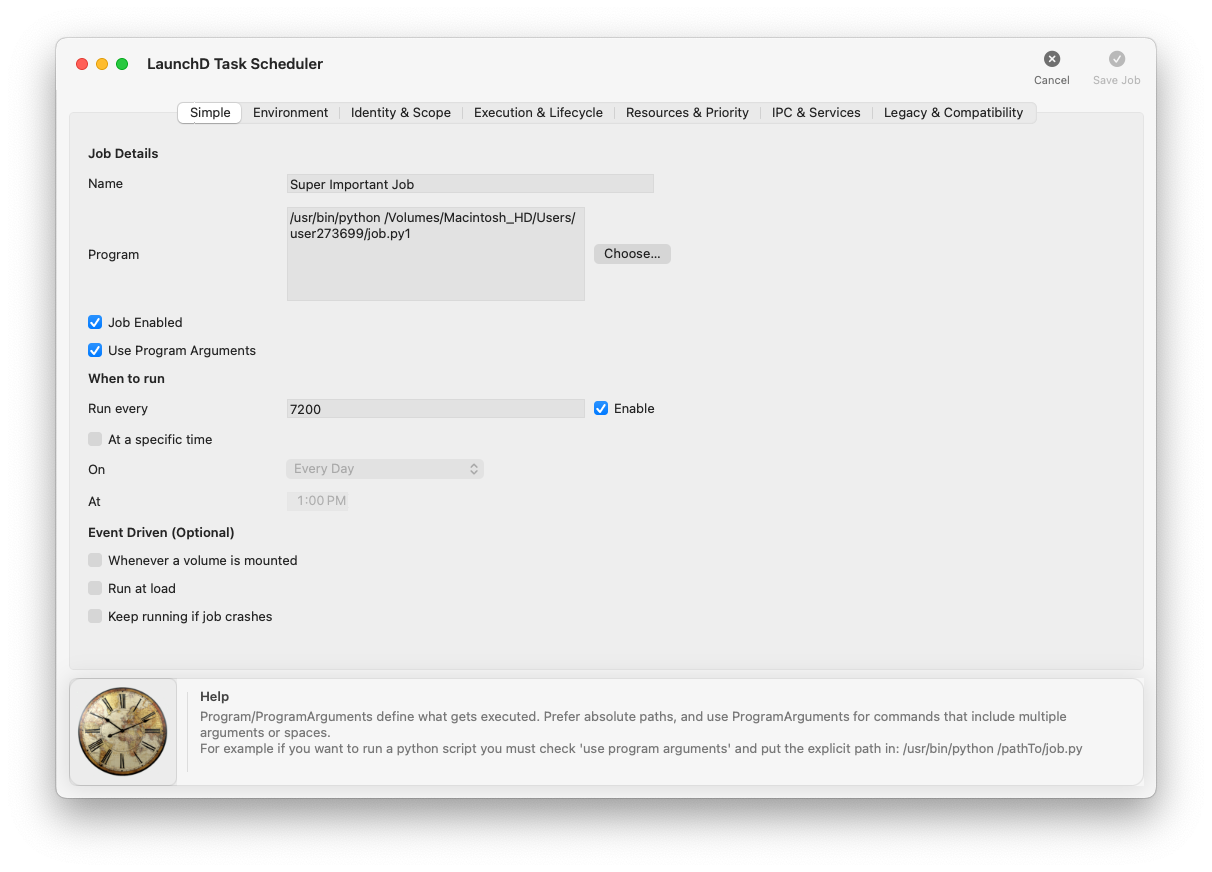
Create or editBuild a new job or refine an existing one. Long values (like program paths) are practical to edit.
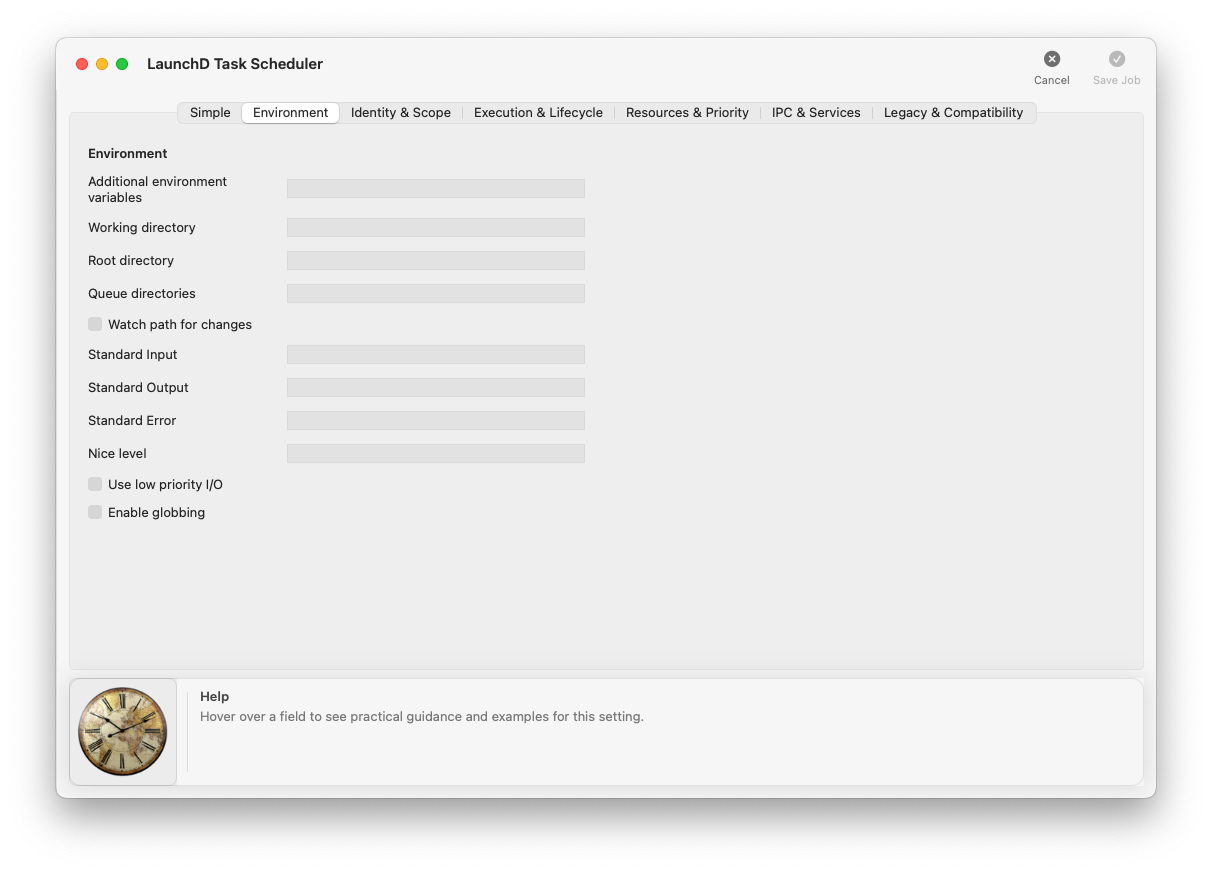
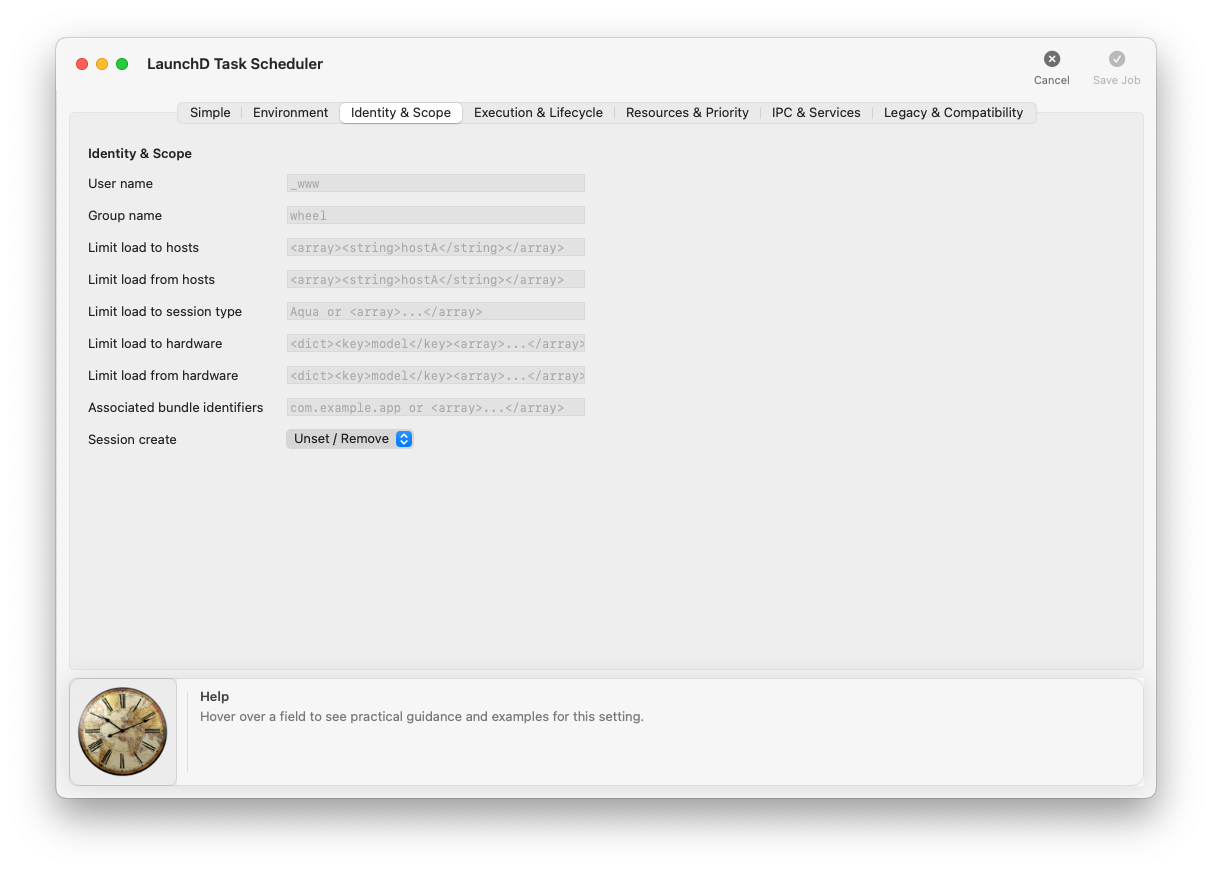
Configure behaviorUse focused tabs for advanced keys, backed by field-by-field help and examples.
Load and runApply changes instantly: load into launchd, start/stop on demand, and iterate safely.
See it in action
Common use cases
- Automated backups — run rsync, Time Machine scripts, or cloud-sync tools on a schedule.
- Development workflows — start local servers, compile assets, or run setup tasks at login.
- System maintenance — rotate logs, clean temp files, or run health-check scripts daily.
- Reliable automation — use launchd the way macOS expects, without hand-editing XML.
Technical details
- Platform: macOS
- Interface: Native macOS (AppKit)
- Distribution: Mac App Store
- Scope: User LaunchAgents and system LaunchDaemons
- Output format: Standard macOS .plist files (pretty-printed)
- Privacy: No network access. Runs entirely on your machine.
Take control of your Mac’s automation.